

















Paste the private post link
Open the post in your own Instagram session and copy its link. Paste it into the first field on The SnapInsta. Wait for the second field to show the generated link.
Download supported photos and videos from private posts you can already view. Follow the link and page-source steps below.
Private Instagram posts need a different download process from public posts. The SnapInsta uses the post's link and the page source from your own browser session to find its media. You must already be able to open the post on Instagram, for example through an account whose follow request has been accepted.
The tool has three fields: the post link, a generated link to open, and the source HTML to paste back. You do not enter an Instagram password on this website. The submitted HTML is processed by our server and extraction provider, so read the data notice beside the form before continuing.
The Instagram account in your browser must already be able to view the post. The downloader does not approve follow requests or open restricted accounts.
Use the source for the same post whose link you entered. An empty source, a different page or a login screen will not provide the media the tool needs.
The form accepts source HTML up to 5 MB. If the source is too large, check that you copied the individual post page rather than unrelated content.
Page source can include account-related information as well as links to media. Submit only the source required for the post and do not include passwords, copied browser cookies or unrelated pages. Processing is not confined to your device: the HTML is sent to the website's server and the extraction provider.
See the Privacy page for the service's data handling information. If you do not want to transmit the page source, do not submit this form.
Discover why saved Instagram videos and Reels appear low quality, how Instagram's compression algorithms work, and how to verify raw file resolution.
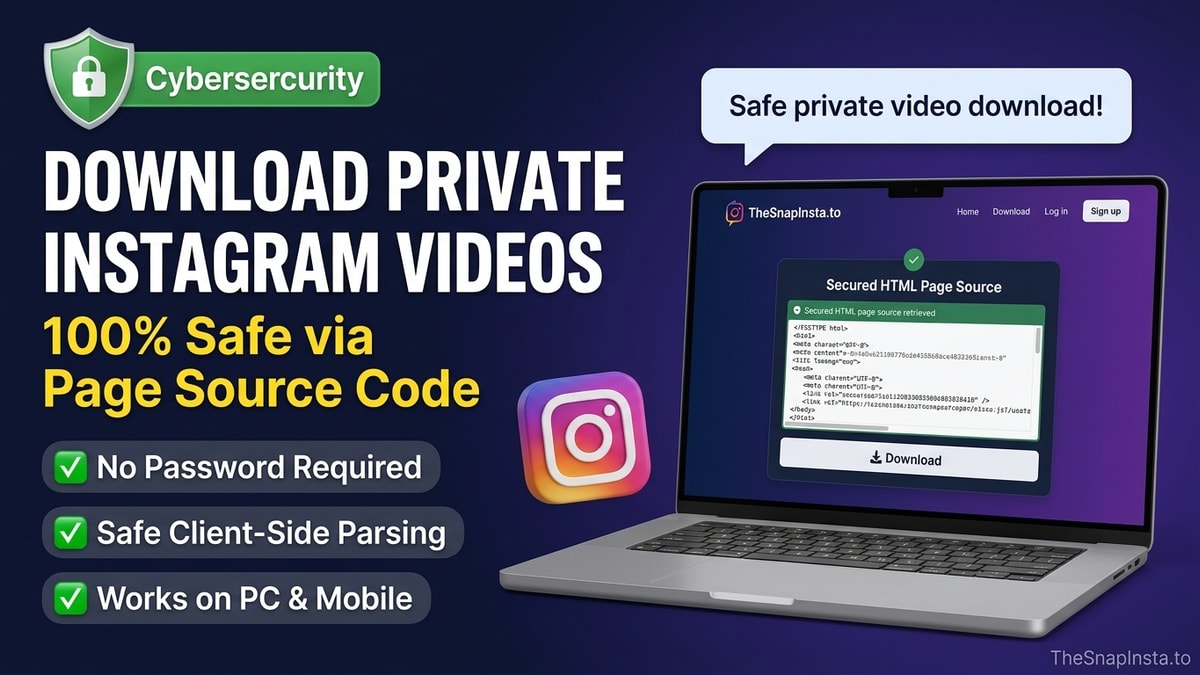
Learn how to download private Instagram videos and photos you have permission to view using the secure browser page-source method without sharing passwords.
Understand why saved Instagram Reels download without sound, how Meta's DASH streaming architecture separates video and audio, and how to get working sound.