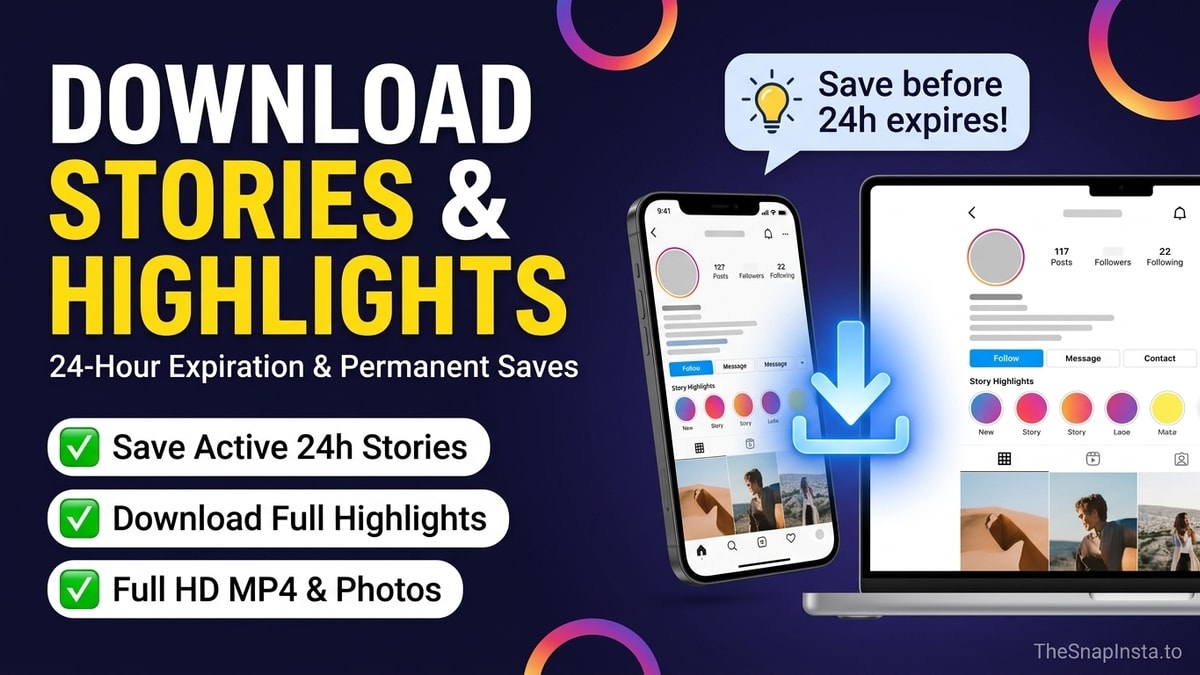
Instagram Stories are designed as ephemeral media that automatically disappear after 24 hours. Once a Story expires, Instagram unlinks its manifest files from public edge servers, meaning expired Stories cannot be recovered from public links. However, if the creator saved those Stories into their profile Highlights, all slides remain permanently accessible for download.
This guide explains the technical lifecycle of Instagram Stories, reveals why third-party expired story recovery claims are deceptive scams, and shows you how to extract full-quality Story Highlights.
1. The 24-Hour Story Lifecycle: How Instagram CDN Purges Media
To manage storage efficiency across billions of active accounts, Meta enforces a rigid media lifecycle for Instagram Stories:
- Upload and CDN distribution: When a creator publishes a Story, Instagram encodes the media into 1080x1920 MP4 video chunks or JPEG stills, distributing them across edge delivery servers.
- Time-limited security tokens: Each Story URL is assigned a temporary signed token containing an expiration timestamp parameter.
- 24-hour expiration: Exactly 24 hours after posting, the database unlinks the public CDN manifest. Subsequent requests return standard 404 or 403 status codes.
- Creator archive retention: The original media moves exclusively into the creator's private in-app archive, which cannot be queried by external web tools or search engines.
2. Beware of "Expired Story Recovery" Tools
A common search query among social media users is how to download expired Instagram stories without highlights. It is essential to understand the technical reality:
- No Public Cache Exists: Search engines and third-party web tools do not maintain permanent archival copies of every Story published on Instagram. Doing so would violate international copyright and data protection laws (including GDPR).
- Phishing and Malware Warning: Websites claiming they can retrieve deleted or expired Stories by entering your Instagram username and password are malicious phishing operations designed to hijack social media credentials.
- The Golden Rule: If a Story was published more than 24 hours ago and was not added to a public Highlight, it cannot be retrieved by any legitimate web service.
3. Story Highlights: The Permanent Solution
While individual Stories expire, creators frequently organize their most important Stories into Highlights displayed directly below their bio.
Highlights are permanent public collections. As long as the account remains public and the creator does not delete the Highlight, every photo and video slide within that collection can be extracted in full resolution.
| Media Feature | Active Instagram Story | Story Highlight | Regular Feed Post |
|---|---|---|---|
| Lifespan | Exactly 24 hours | Indefinite (until deleted by creator) | Permanent |
| Max Video Length | Up to 60 seconds per slide | Up to 60 seconds per slide | Up to 60 minutes |
| Resolution | 1080 x 1920 (9:16) | 1080 x 1920 (9:16) | Square (1:1) or Portrait (4:5) |
| Public Retrieval | Supported during active 24h | Fully supported indefinitely | Fully supported indefinitely |
4. Step-by-Step: How to Download Instagram Highlights
Downloading slides from a public Highlight is easy with The SnapInsta Highlights Downloader:
Step 1: Obtain the Highlight URL
- Open the Instagram app or website and navigate to the creator's profile.
- Tap or click on the circular Highlight bubble you wish to download.
- On mobile: Tap the three dots (More) in the bottom right corner and select Copy Link.
- On desktop: Copy the URL directly from your browser address bar (e.g., https://www.instagram.com/stories/highlights/1234567890/).
Step 2: Extract the Slides on The SnapInsta
- Open the Highlights downloader tool in your browser.
- Paste the Highlight URL into the input field and click Download.
- The tool parses all individual slides (videos and photos) within that collection and displays them in an organized gallery.
- Click Download Video or Download Photo under each individual slide to save them to your device.
To save active Stories before their 24-hour window closes, use our Instagram Story Downloader.